
Export of posting records and debtors
The Accounting export manager is used to export sales to an accounting program.
In the export manager, you can choose in which format and for which time span the data is exported and where the export file will be saved.
These values are preset according to the configuration in the program settings.
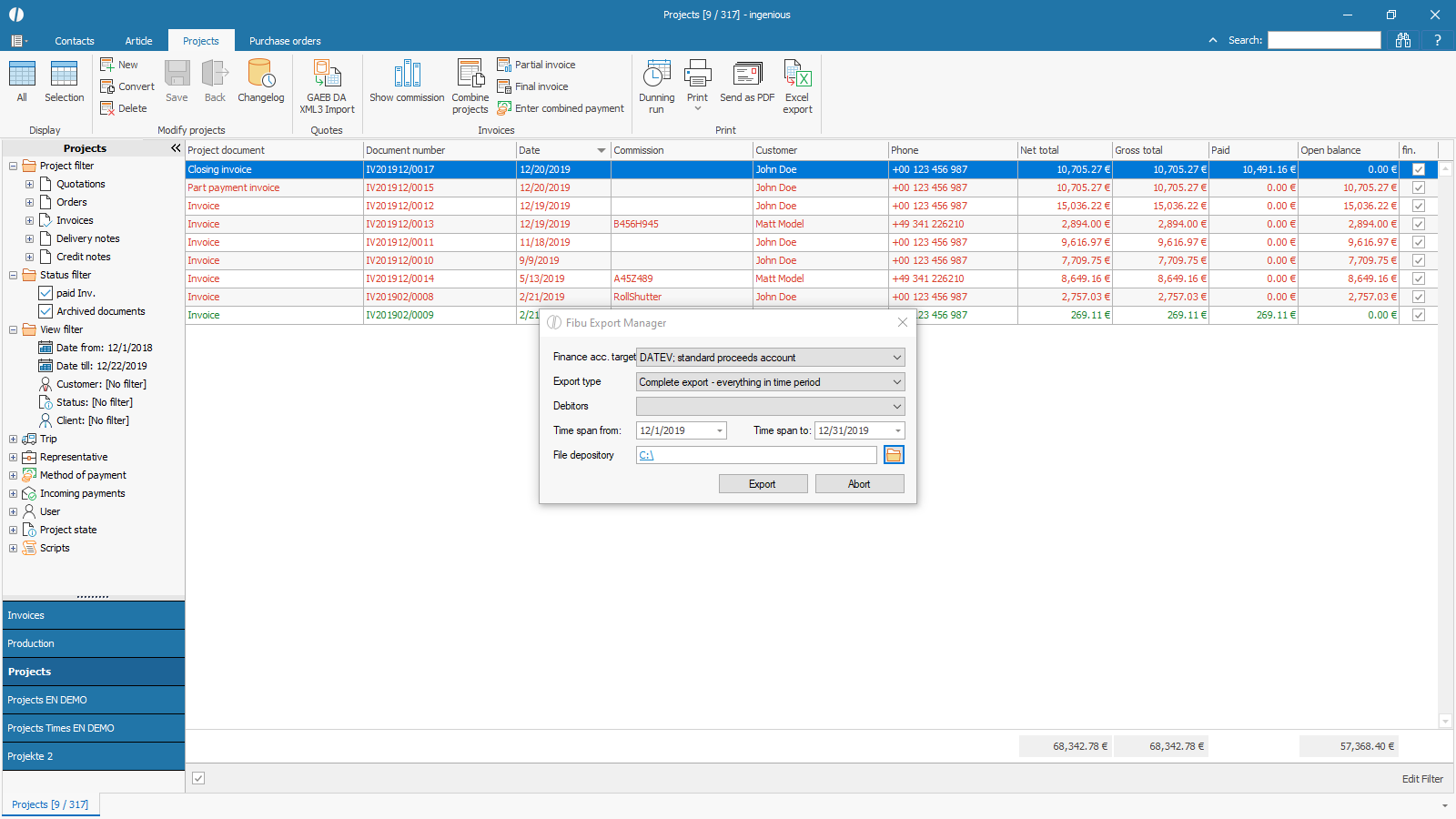 |
| Selection of the FIBU export options |
All invoices and credit notes with the status “completed” are included in the export.
The booking of revenues depends on the configurations.
Depending on the configuration, sales are posted to the item’s revenue accounts (target format: differentiated billing accounts), the project’s revenue account (target format: unified billing account), or always to the standard account if nothing else is configured or the item’s or project’s account is not within the range of permitted revenue accounts.
When the export is carried out, the date “FiBu Export on” is set in the documents.
Target formats
| DATEV; Standard proceeds account | With this configuration, the revenues will be booked in the project or standard accounts, respectively in their bonus and sales deduction discounts. The booking will be made for the entire document. The generated file is orientated on the requirements of DATEV. |
| DATEV; Differentiated proceeds account | With this option, the revenues of a document can be booked on to different accounts, according to the assignments of the respective articles. The generated file is orientated on the requirements of DATEV. |
| IBM (df2); Standard proceeds account | With this configuration, the revenues will be booked in the project or standard accounts, respectively in their bonus and sales deduction discounts. The booking will be made for the entire document. The generated file is orientated on the requirements of IBM (df2). |
Export type
| Complete export | Everything in time period. The complete export takes into account all documents with a “printed on” date within the selected time span. |
| Differential export | Only not yet exported in time period. The differential export takes into account only documents with a “printed on” date within the selected time span AND which have not been exported during an earlier run. |
Debitors
| don’t export | No debtors are exported |
| Differential export | The differential export exports all new debtors/customers for whom a debtor number within the defined number range has been stored and who were not included in any of the previous exports. |
| Complete export | The complete export includes all debtors/customers for whom a debtor number has been stored within the number range defined in the program settings. |
