
Receipt entry payments
The recording of an executed (partial) payment of a receipt takes place in a separate area “payments”.
The form contains a table with all executed payments of a receipt.
In “payments”, the following additional functions are available via the toolbar:
 |
Record a new payment |
 |
Delete marked payment |
 |
Records a compensation for the opened receipt |
Record a new payment
The recording of a new payment takes place in separate window, in which the details of the payment are deposited. The date (the current day is preset), amount and type of payment are entered here as well as notes, if appropriate. For the payment amount, the amount which is currently open is preset, for a partial payment the amount has to be adjusted accordingly. The additional field are of informative character.
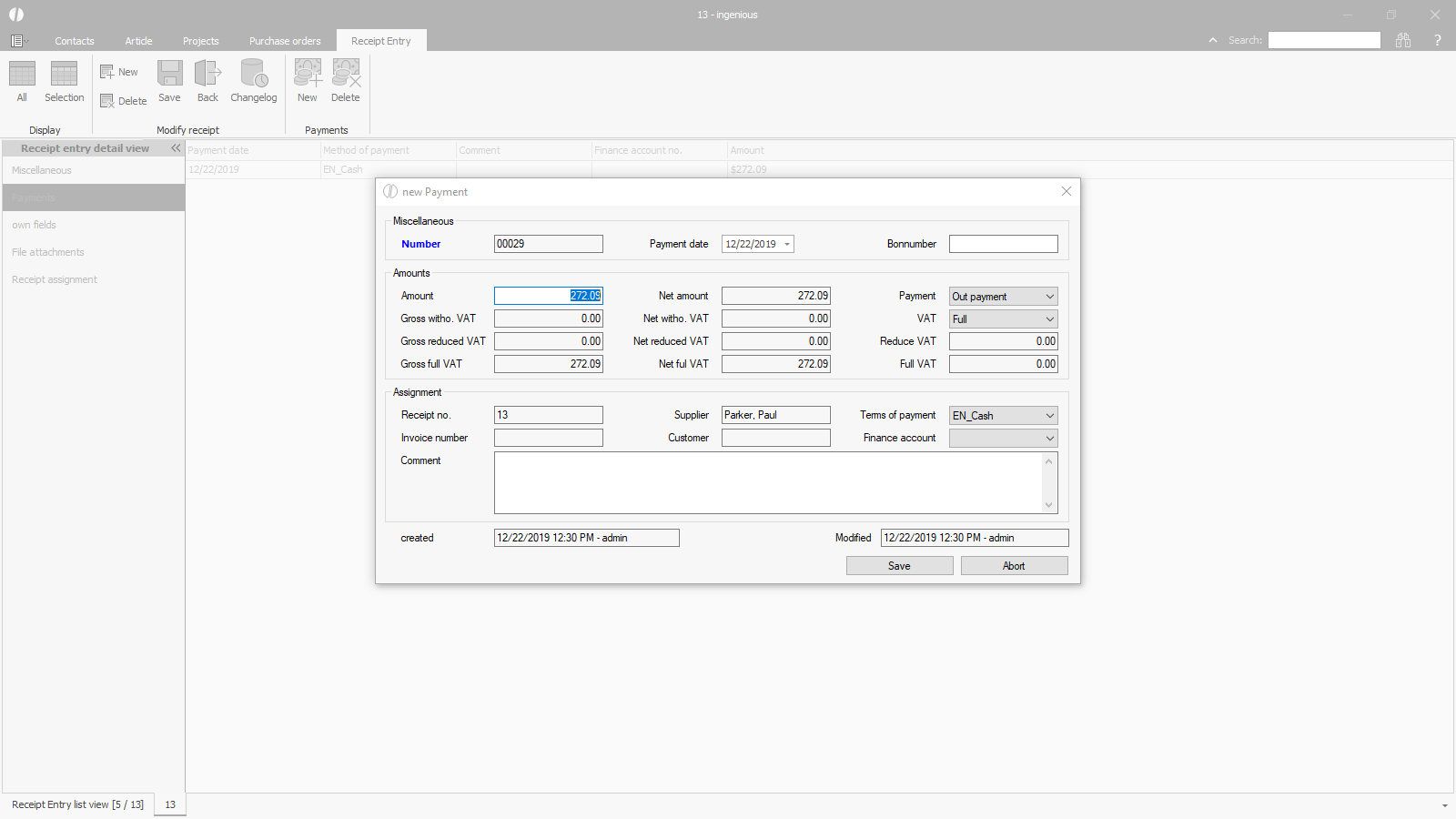 |
| Recording of a payment for a receipt |
Record a compensation
If a (partial) credit note is created for an incoming invoice, corresponding payments must be created for both receipts to offset the credited value.
The icon allows the “payment” for both documents to be entered simultaneously from one of them.
Clicking the icon opens a project list containing a list of possible counter-receipts.
This means that if the compensation is started from a receipt with a positive amount, a list of receipts with a negative amount will be displayed, and vice versa.
The relevant receipt is selected from the list and confirmed.
This creates a payment for each receipt at the lower value.
The payment method is set to “compensation” and the reference to the counter-receipt is entered in the remarks.
